
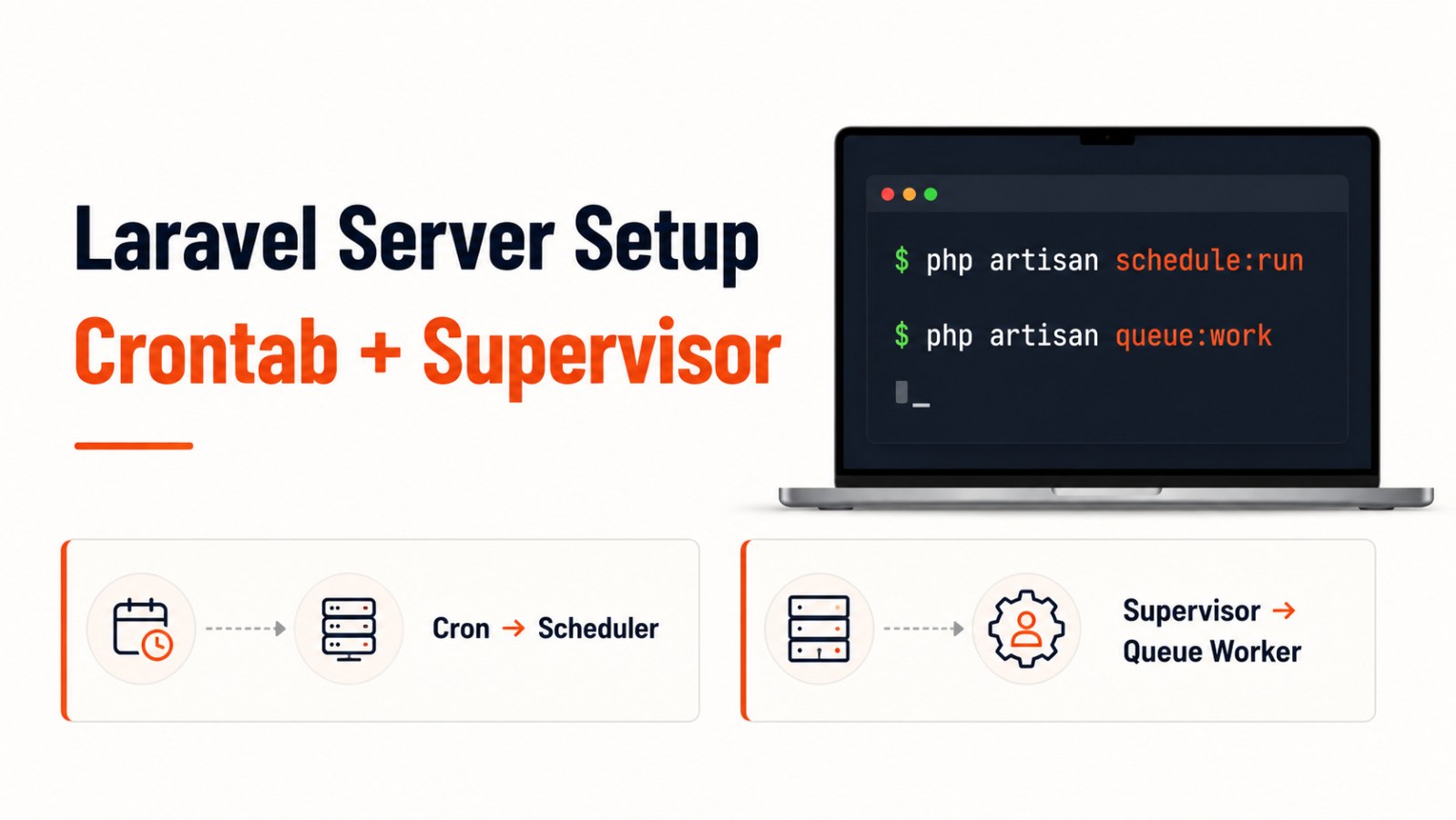
Laravel: Setup Crontab và Supervisor Queue trên Server
Hướng dẫn cấu hình crontab để chạy Laravel Scheduler và dùng Supervisor để tự động chạy Laravel Queue Worker trên server Linux.
Khi deploy Laravel lên server, có hai phần rất hay bị quên:
Laravel Scheduler không tự chạy nếu bạn chưa cấu hình crontab.
Laravel Queue không tự chạy nền nếu bạn chưa dùng Supervisor hoặc một process monitor tương tự.
Laravel Scheduler chỉ cần một cron entry duy nhất trên server để gọi php artisan schedule:run mỗi phút. Các task cụ thể sẽ được định nghĩa trong Laravel app, ví dụ trong routes/console.php.
Với queue, Laravel khuyến nghị dùng queue:work và chạy nó bằng Supervisor để worker luôn hoạt động trong background.
1. Setup Crontab cho Laravel Scheduler
Laravel Scheduler giúp bạn định nghĩa lịch chạy command ngay trong source code Laravel.
Ví dụ:
use Illuminate\Support\Facades\Schedule;

Schedule::command('emails:send')->daily();
Nhưng để scheduler thật sự chạy trên server, bạn cần thêm cron job.
Bước 1: SSH vào server
ssh username@your-server-ipBước 2: Kiểm tra đường dẫn PHP
which phpVí dụ kết quả:
/usr/bin/phpHoặc nếu server dùng PHP version cụ thể:
/usr/bin/php8.2Bước 3: Mở crontab
Có 2 cách phổ biến.
Cách 1: Dùng crontab của user hiện tại
crontab -eThêm dòng sau:
* * * * * cd /path/to/your-project && /usr/bin/php artisan schedule:run >> /dev/null 2>&1Ví dụ:
* * * * * cd /home/vagrant/gts_system && /usr/bin/php8.2 artisan schedule:run >> /dev/null 2>&1Cách 2: Sửa file /etc/crontab
sudo nano /etc/crontabVới /etc/crontab, bạn cần thêm username vào dòng cron:
* * * * * username cd /path/to/your-project && /usr/bin/php artisan schedule:run >> /dev/null 2>&1Ví dụ:
* * * * * root cd /home/vagrant/gts_system && /usr/bin/php8.2 artisan schedule:run >> /dev/null 2>&1Lưu ý quan trọng
Dòng này:
>> /dev/null 2>&1có nghĩa là bỏ qua output và error log của cron.
2. Kiểm tra Scheduler
Bạn có thể chạy thử:
cd /path/to/your-project
php artisan schedule:run
Hoặc xem danh sách scheduled tasks:
php artisan schedule:list3. Setup Queue Auto-run bằng Supervisor
Laravel queue dùng để xử lý các job chạy nền như:
Gửi email
Xử lý notification
Export file
Import dữ liệu
Đồng bộ API
Xử lý tác vụ nặng
Nếu bạn chỉ chạy:
php artisan queue:worktrong terminal, worker sẽ dừng khi bạn tắt terminal.
Vì vậy, trên server production, nên dùng Supervisor để giữ queue worker luôn chạy. Laravel docs cũng khuyến nghị dùng process monitor như Supervisor để đảm bảo queue:work không bị dừng.
Bước 1: Cài Supervisor
sudo apt update
sudo apt install supervisor
Start Supervisor:
sudo systemctl start supervisorEnable Supervisor khi server reboot:
sudo systemctl enable supervisorBước 2: Tạo file config cho Laravel worker
Tạo file config:
sudo nano /etc/supervisor/conf.d/laravel-worker.confBạn có thể đổi tên file theo project.
Ví dụ:
sudo nano /etc/supervisor/conf.d/gts-worker.confLaravel docs cũng ghi nhận Supervisor config thường được đặt trong thư mục /etc/supervisor/conf.d.
Bước 3: Thêm cấu hình Supervisor
Mẫu cơ bản:
[program:laravel-worker]
process_name=%(program_name)s_%(process_num)02d
directory=/path/to/your-project
command=/usr/bin/php artisan queue:work --sleep=3 --tries=3 --timeout=90
autostart=true
autorestart=true
user=your-username
numprocs=1
redirect_stderr=true
stdout_logfile=/path/to/your-project/storage/logs/worker.log
stopwaitsecs=3600
Ví dụ thực tế:
[program:gts-worker]
process_name=%(program_name)s_%(process_num)02d
directory=/home/vagrant/gts_system
command=/usr/bin/php8.2 artisan queue:work --sleep=3 --tries=3 --timeout=90
autostart=true
autorestart=true
user=root
numprocs=1
redirect_stderr=true
stdout_logfile=/home/vagrant/gts_system/storage/logs/worker.log
stopwaitsecs=3600
Giải thích nhanh cấu hình
command=/usr/bin/php8.2 artisan queue:work --sleep=3 --tries=3 --timeout=90Chạy Laravel queue worker.
autostart=trueTự chạy khi Supervisor start.
autorestart=trueTự restart nếu worker bị dừng.
numprocs=1Số worker process cần chạy.
stdout_logfile=...File log của worker.
stopwaitsecs=3600Thời gian Supervisor chờ worker dừng an toàn. Laravel docs khuyến nghị stopwaitsecs nên lớn hơn thời gian chạy lâu nhất của job, để tránh job bị kill trước khi xử lý xong.
Bước 4: Reload Supervisor config
Sau khi lưu file, chạy:
sudo supervisorctl reread
sudo supervisorctl update
Start worker:
sudo supervisorctl start gts-worker:*Kiểm tra trạng thái:
sudo supervisorctl statusSupervisor dùng các program section để định nghĩa process cần quản lý, và supervisorctl là công cụ để điều khiển các process đó.
4. Queue:work hay Queue:listen?
Bạn có thể thấy một số hướng dẫn dùng:
php artisan queue:listenNhưng với production, nên ưu tiên:
php artisan queue:workLaravel docs ghi rõ queue:listen không cần restart worker khi code thay đổi, nhưng nó kém hiệu quả hơn đáng kể so với queue:work.
Vì vậy:
Local/dev: có thể dùng
queue:listenProduction: nên dùng
queue:work+ SupervisorSau khi deploy code mới: chạy
php artisan queue:restart
Ví dụ:
php artisan queue:restartLệnh này giúp worker dừng an toàn sau khi xử lý xong job hiện tại, sau đó Supervisor sẽ tự start lại worker.
5. Checklist sau khi setup
Sau khi cấu hình xong, nên kiểm tra:
php artisan schedule:list
php artisan schedule:run
sudo supervisorctl status
tail -f storage/logs/worker.log
tail -f storage/logs/laravel.log
Nếu queue không chạy, hãy kiểm tra:
Đường dẫn project đúng chưa
Đường dẫn PHP đúng chưa
User có quyền ghi log không
.envđã đúngQUEUE_CONNECTIONchưaSupervisor đã reread/update chưa
Worker log có lỗi permission không
Kết luận
Khi deploy Laravel lên server, bạn nên setup đủ hai phần:
Crontab để Laravel Scheduler chạy mỗi phút
Supervisor để Laravel Queue Worker luôn chạy nền
Crontab phù hợp cho scheduled tasks.
Supervisor phù hợp cho long-running queue workers.
Chỉ cần cấu hình đúng hai phần này, các tác vụ như gửi email, xử lý job nền, đồng bộ dữ liệu và chạy command định kỳ sẽ ổn định hơn rất nhiều trên server production.