
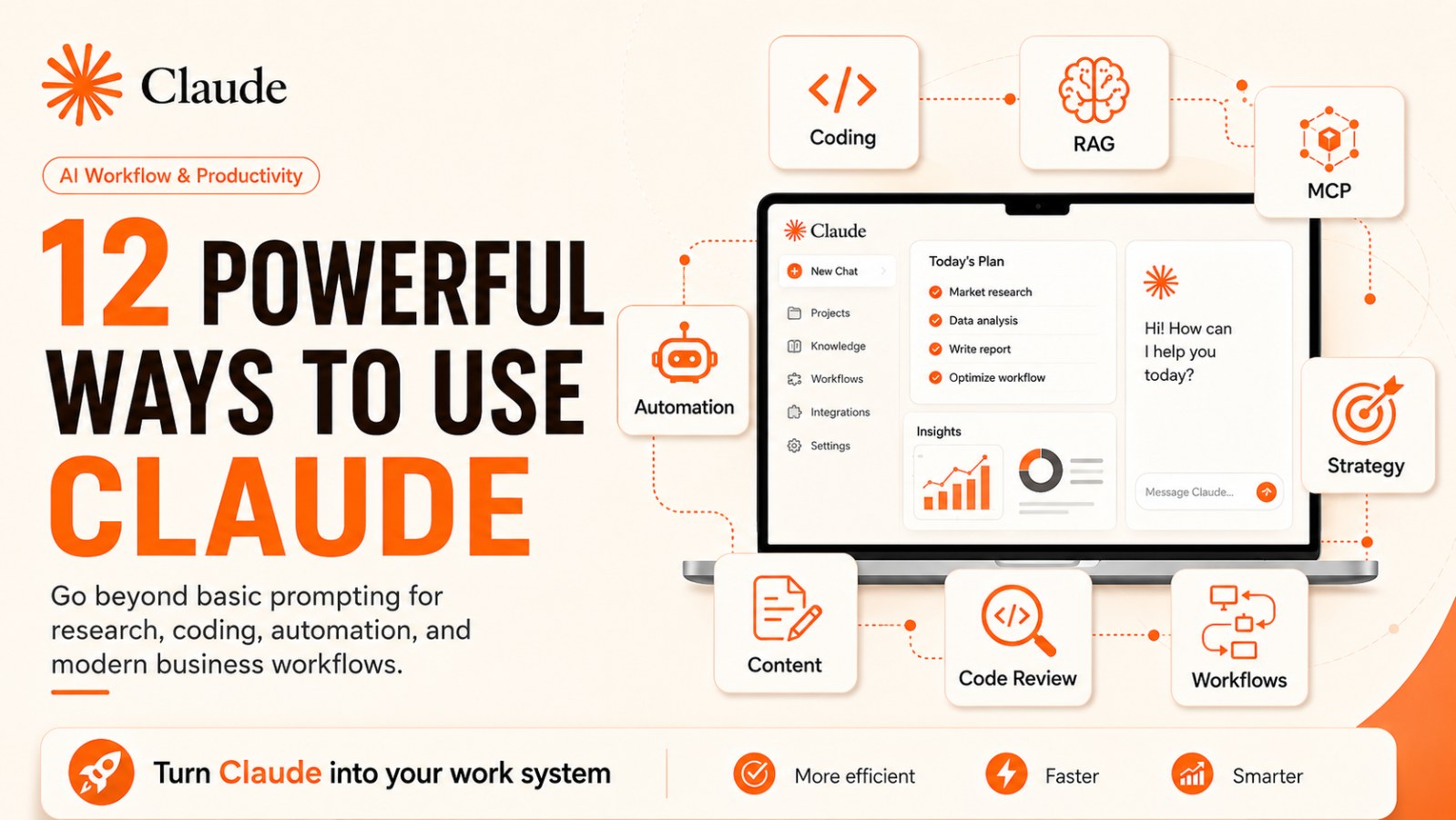
12 Powerful Things You Can Do with Claude to Transform the Way You Work
Discover 12 advanced ways to use Claude beyond basic prompting, from coding and MCP servers to personal RAG, browser automation, design, code review and business workflows.
Claude has moved far beyond basic prompt-based workflows.
A few years ago, many people used AI assistants mainly to answer questions, rewrite text, summarize documents, or generate simple ideas. Today, Claude can be used as a much more advanced work system. When applied strategically, it can support research, content systems, coding, business operations, workflow automation, strategic analysis, and collaborative execution.
The gap between basic Claude usage and high-performance Claude workflows is now huge.
Most people are still using Claude at the surface level: asking a question, getting an answer, editing a paragraph, or generating a few ideas.
But Claude can do much more than that.
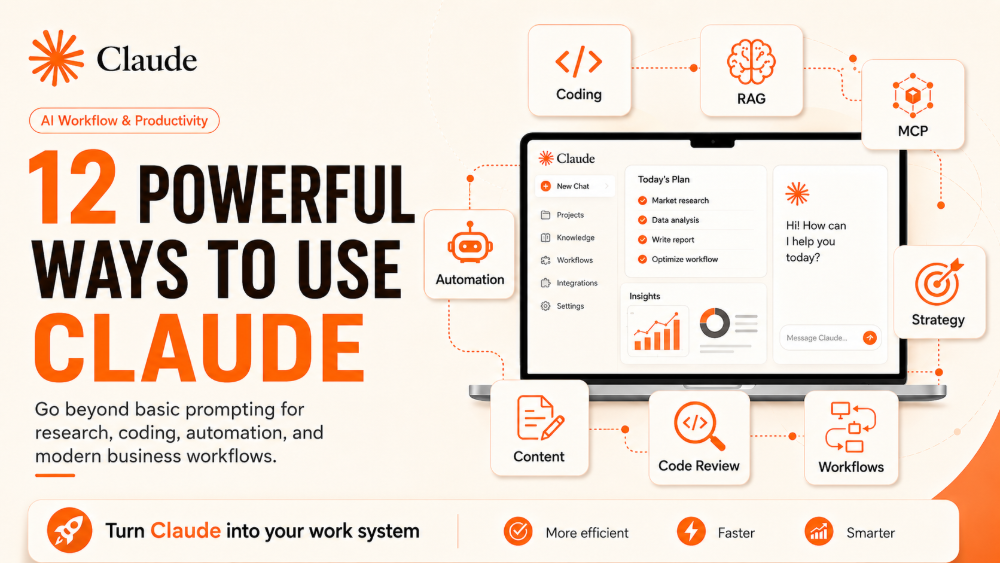
Here are 12 powerful things you can do with Claude to change the way you work.
Why Claude Is No Longer Just a Chatbot
Claude should not be seen only as a chatbot that answers questions. At a more advanced level, Claude can act as an AI work partner that helps process long context, analyze documents, support coding, connect to data, create working files, and assist with multi-step workflows.
The difference is not only in the tool. It is in how you use it.
If you ask:
“Write me a blog post.”
You will get a blog post.
But if you build a workflow:
“Analyze the target audience → identify pain points → build content pillars → create a content calendar → write the article → generate social posts → check SEO → align the tone with our brand voice.”
Claude is no longer just a writing tool. It becomes part of your content operating system.
The same idea applies to coding, research, recruiting, finance, product analysis, and workflow automation.
1. Build CLI Tools in Minutes
One powerful way to use Claude is to create small command-line tools for repetitive tasks.
For example, you can ask Claude to build a CLI tool that:
- Renames files in bulk
- Extracts data from CSV files
- Checks formatting errors in documents
- Generates quick reports from input files
- Automates one step in an internal process
Instead of writing a full technical specification and waiting for implementation, you can describe what you need in plain language:
“Create a CLI tool that takes a CSV file, checks rows with missing emails, and exports one file for invalid rows and one file for valid rows.”
With Claude Code, this workflow can go further. Claude Code is described by Anthropic as an agentic coding tool that reads your codebase, edits files, runs commands, and integrates with development tools.
Best for: developers, technical PMs, automation engineers, founders, and operators.
2. Launch Your Own MCP Server
MCP, or Model Context Protocol, is an open standard that helps AI applications connect to external systems such as local files, databases, search tools, APIs, and specialized workflows. Anthropic describes MCP as a “USB-C port” for AI applications, allowing tools like Claude to connect to data sources and workflows.
This matters because AI becomes far more useful when it can work with your actual data and tools.
You can use MCP to connect Claude with:
- Internal databases
- Project management systems
- CRM tools
- Company documentation
- Product APIs
- Analytics tools
- Operational workflows
For example, instead of copying sales data into Claude manually, you can design an MCP server that allows Claude to retrieve only the data it needs, based on the permissions you define.
Real-world use case:
An operations team could ask, “Which customers are at the highest risk of churn this week?” Claude could retrieve relevant data, analyze risk signals, and suggest next actions.
3. Create a Personal RAG Assistant for Notes and Documents
RAG, or Retrieval-Augmented Generation, allows AI to answer based on provided sources instead of relying only on general knowledge.
With Claude, you can build a personal assistant around:
- Work notes
- Project documents
- Meeting notes
- Google Docs
- Notion pages
- Emails
- Internal documentation
- Saved reports
Claude’s GitHub integration also allows users to connect repositories so Claude can use relevant codebase context for software development tasks.
With the right workflow, you can ask:
“Based on last month’s notes, what problems did customers complain about most often?”
Or:
“Summarize the key decisions in Project A and identify what has not been followed up.”
This is one of the highest-value Claude workflows for managers, consultants, researchers, marketers, and operators.
4. Understand an Entire Codebase Faster
A developer joining a new project often needs days or weeks to understand the codebase. Claude can shorten that learning curve.
You can ask Claude to:
- Explain the overall architecture
- Find files related to a feature
- Trace the login flow
- Analyze error handling
- Summarize coding conventions
- Identify risky modules
- Suggest where tests are needed
Claude Code documentation includes workflows for exploring codebases, fixing bugs, refactoring, writing tests, creating pull requests, and handling documentation.
Example prompt:
“Explain this codebase as if I am a new developer joining the project. Start with the overall architecture, then explain the key modules and main execution flows.”
This is not only a faster way to learn code. It is a way to reduce technical onboarding costs.
5. Practice Interviews on Demand
Claude can act as an interviewer and help you prepare for specific roles.
You can ask it to:
- Act as a hiring manager
- Ask one question at a time
- Evaluate your answer
- Suggest a stronger answer
- Increase difficulty gradually
- Focus on a specific job role
Example:
“Act as a hiring manager for a Product Manager role. Ask me one question at a time. After each answer, evaluate it based on clarity, logic, and role fit.”
Claude can also help you practice technical interviews, behavioral interviews, English interviews, and STAR-based answers.
The advantage is simple: you can practice whenever you want, without waiting for another person to run a mock interview.
6. Automate Browser-Based Tasks
One of the most interesting directions for Claude is browser-based workflow support.
Claude in Chrome has official support documentation, including capabilities such as reading browser console output, network requests, and DOM state to help developers debug without leaving the browser. The documentation also mentions scheduled browser tasks.
In practical terms, Claude can support workflows such as:
- Researching information on websites
- Comparing data
- Checking UI issues
- Summarizing page content
- Debugging web apps
- Automating repeated browser-based tasks
Example prompts:
“Check this page and tell me if the signup form has any UX issues.”
Or:
“Look at the console logs and explain why this network request is failing.”
This workflow is especially useful for developers, QA teams, marketers, and operators.
7. Customize Your Resume for Each Job
A very practical use case is using Claude to tailor your resume to each job description.
Instead of sending the same resume to every company, you can ask Claude to:
- Read the job description
- Identify key skills
- Compare them with your current resume
- Improve bullet points
- Highlight relevant projects
- Adjust ATS-related keywords
- Draft a matching cover letter
Example prompt:
“Based on this job description and my resume, rewrite my experience section to better fit the role. Do not invent experience. Only improve clarity, impact, metrics, and keyword alignment.”
The key is not to let Claude exaggerate your background. Use it to present your real experience more clearly and strategically.
8. Schedule Cloud Tasks While You Sleep
Claude is not only useful when you are actively chatting with it. With scheduled workflows, it can help with recurring work.
Claude Cowork documentation says scheduled tasks allow users to delegate work that runs automatically on a recurring basis or on demand, producing outputs such as reports, briefings, and summaries.
Examples of scheduled tasks include:
- Creating weekly Monday reports
- Summarizing important emails every morning
- Compiling marketing metrics
- Tracking competitors
- Preparing daily briefings
- Drafting content on a schedule
- Reminding teams about unfinished work
Example:
“Every Monday morning, summarize overdue tasks in the project and write a short report for the team.”
This marks the shift from “AI responds when asked” to “AI helps operate scheduled workflows.”
9. Design Landing Pages and Pitch Decks Without Starting in Figma
Claude is also expanding into design and presentation workflows.
Anthropic introduced Claude Design as a tool that can start from a prompt, uploaded images or documents, or even a codebase. It can support pitch decks, presentations, landing pages, marketing collateral, and exports to formats such as Canva, PDF, PPTX, and HTML.
This is useful when you need to:
- Draft a landing page
- Create a pitch deck
- Build social media assets
- Generate campaign visuals
- Prepare a prototype
- Turn an idea into a structured layout
Example:
“Create a landing page for an AI tool that helps teachers generate exams. Use a modern style and include a hero section, features section, testimonials, and CTA.”
You may still need a designer to polish the final output. But Claude can help you move from rough idea to structured draft much faster.
10. Run Multi-Agent Code Reviews in Parallel
Another advanced workflow is using Claude to review code from multiple perspectives.
Instead of asking:
“Does this code have any bugs?”
You can ask Claude to act as several reviewers:
- Security reviewer
- Performance reviewer
- Business logic reviewer
- QA engineer
- Maintainability reviewer
Then ask it to classify findings by severity:
- Critical
- High
- Medium
- Low
Claude Code documentation also mentions delegating research to subagents to keep the main context clean during coding workflows.
Example prompt:
“Review this PR from five roles: security reviewer, backend architect, QA engineer, performance engineer, and product owner. Label each issue by severity and suggest a fix.”
This creates a deeper review process, especially for large pull requests or complex logic.
11. Let Agentic Workflows Complete Tasks End-to-End
In agentic workflows, Claude’s value is not only in answering questions. It can help move through a sequence of actions: planning, coding, testing, fixing errors, creating documentation, and preparing a pull request.
With Claude Code, you can design a workflow like this:
- Describe the requirement
- Ask Claude to create a plan
- Let Claude write the code
- Run tests
- Fix errors
- Summarize changes
- Prepare a pull request for review
Claude Code documentation includes workflows for bug fixing, refactoring, testing, and pull request creation.
The important point is that you should still remain in control. Claude can accelerate work, but it should not replace human review and accountability.
12. Build Your Own Skills and Slash Commands
One of the most advanced ways to use Claude is to turn repeated processes into reusable Skills or commands.
Anthropic explains that Skills extend what Claude Code can do. You can create a SKILL.md file with instructions, and Claude can use the skill when relevant or when you invoke it directly with /skill-name. The documentation also mentions supporting files, invocation control, subagent execution, and dynamic context injection.
You can create skills such as:
- /brief: summarize documents in your company format
- /test: generate QA test cases using your checklist
- /summarize: summarize meeting notes
- /market-research: run research using a fixed framework
- /review-pr: review pull requests using internal standards
- /seo-blog: create SEO blog posts in your website format
This means you no longer need to paste the same long prompt every time. You can standardize your process into a reusable AI skill.
This is where Claude starts becoming a work system, not just a chat window.
How to Use Claude More Effectively: Think in Systems, Not Prompts
If you want to use Claude at a higher level, do not only ask:
“What prompt should I use?”
Ask instead:
“What workflow do I want to build?”
A strong Claude workflow usually has five parts.
1. Clear Data Sources
Claude needs the right documents, codebase, notes, or context.
2. A Specific Role
Tell Claude whether it is acting as a strategist, reviewer, developer, interviewer, researcher, or operator.
3. A Step-by-Step Process
Instead of asking for the final output immediately, ask Claude to analyze, plan, execute, review, and improve.
4. Output Standards
Define the expected format: table, checklist, JSON, markdown, slide outline, code diff, or report.
5. A Review Loop
Do not accept the first output blindly. Ask Claude to review its own answer, identify weaknesses, and improve the result.
Common Mistakes When Using Claude
The biggest mistake is treating Claude as a quick-answer tool instead of a work system.
Common mistakes include:
- Writing vague prompts
- Providing too little context
- Not defining Claude’s role
- Not specifying the output format
- Not checking the result
- Giving a task that is too large without breaking it down
- Letting Claude guess important data
- Not building reusable prompts or skills
Claude works best when you know what workflow you want to build. The clearer the process, the more consistent the result.
Conclusion: Claude Does Not Replace Your Work System. It Upgrades It.
Claude has moved far beyond the stage of being a basic Q&A chatbot.
Used well, Claude can help you write code, understand codebases, create personal RAG assistants, automate browser workflows, practice interviews, improve resumes, schedule recurring tasks, design landing pages, review code, and build reusable skills for repeated processes.
The real difference is not whether you use Claude. The difference is the level at which you use it.
Basic users use Claude to answer questions.
Advanced users use Claude to build work systems.
And that gap will only get bigger.
CTA
If you are still using Claude only for simple questions or basic writing, choose one workflow from this list and apply it this week. Start small, repeat it daily, and gradually turn Claude into part of your operating system for work.
FAQ 1: What can Claude do beyond basic prompting?
Claude can support advanced workflows such as coding, codebase analysis, document research, personal RAG systems, browser automation, scheduled tasks, resume customization, interview practice, code review, content systems, and business workflow automation.
FAQ 2: What is Claude Code used for?
Claude Code is used for software development workflows such as understanding codebases, editing files, running commands, fixing bugs, refactoring, writing tests, creating pull requests, and working with developer tools.
FAQ 3: What is MCP in Claude workflows?
MCP, or Model Context Protocol, is an open standard that allows AI applications like Claude to connect with external tools, databases, local files, APIs, and workflows. It helps Claude work with real data and systems instead of isolated chat context.
FAQ 4: Can Claude help automate business workflows?
Yes. Claude can help automate business workflows such as reporting, research, email summaries, competitor tracking, content planning, project updates, and recurring task preparation, depending on the tools, integrations, and permissions available in your environment.
FAQ 5: Can Claude help with resume and interview preparation?
Yes. Claude can analyze job descriptions, improve resume bullet points, align experience with role requirements, draft cover letters, and simulate interviews by asking role-specific questions and giving feedback on your answers.
FAQ 6: How should beginners start using Claude more effectively?
Beginners should start with one clear workflow, such as summarizing meeting notes, reviewing a document, improving a resume, or analyzing a codebase. The key is to provide context, define Claude’s role, specify the output format, and review the result carefully.