
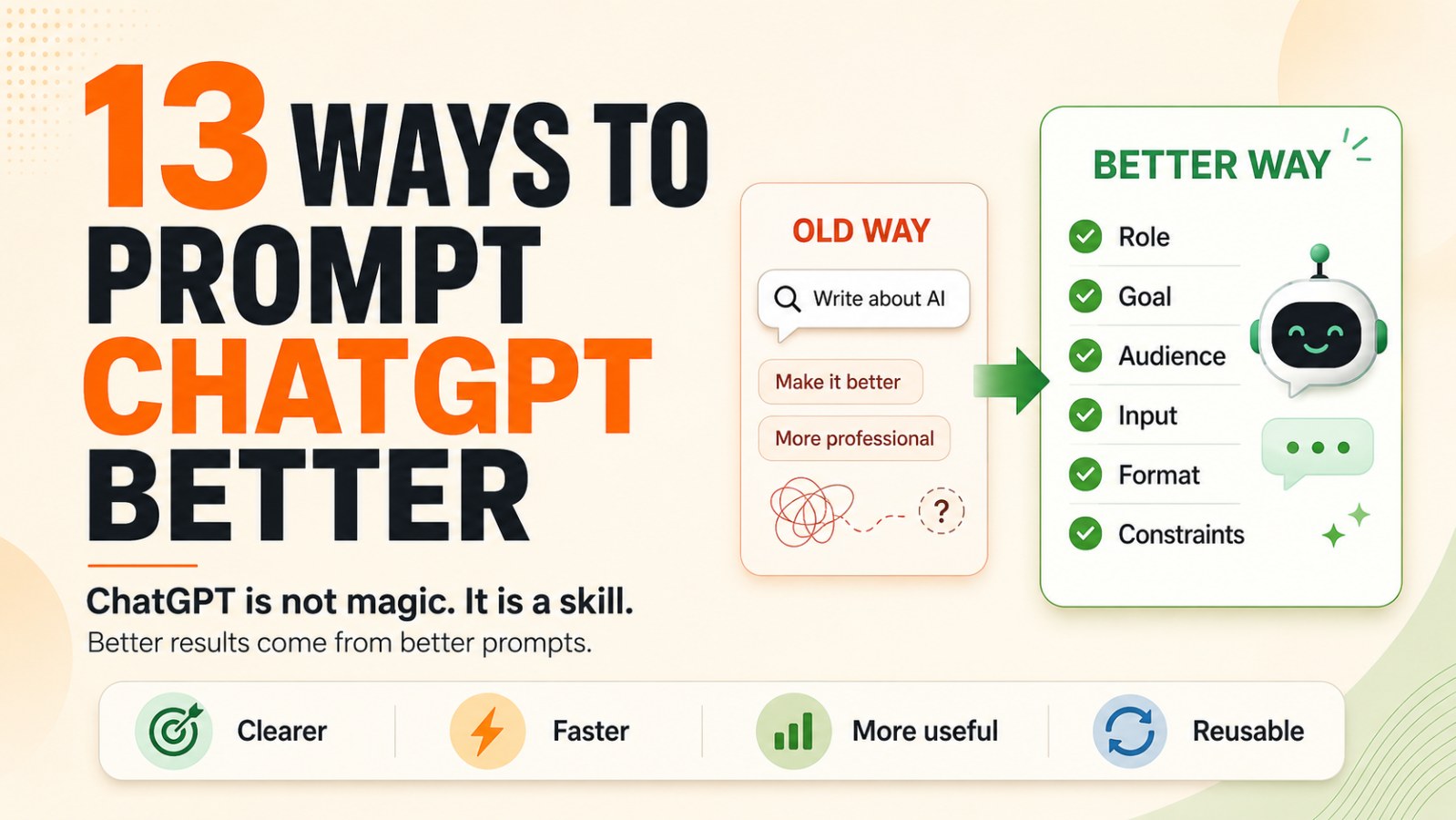
13 Ways to Prompt ChatGPT Better and Get Faster, Better Results
Most people use ChatGPT like a search bar. Learn 13 practical ways to prompt ChatGPT better with clear roles, goals, audience, inputs, formats, constraints, examples and reusable prompt systems.
Many people still use ChatGPT like a search bar.
They type:
“Write about AI.”
“Make a marketing plan.”
“Summarize this document.”
“Make this email more professional.”
These prompts are not wrong. But they are missing important information.
ChatGPT does not know:
- What you will use the result for
- Who the reader is
- How long the output should be
- Whether the tone should be serious, friendly, persuasive, or direct
- Whether the format should be a table, outline, email, script, or checklist
- What to avoid
- What standard counts as “good”
OpenAI recommends writing clear and specific prompts, providing enough context, setting tone or style when needed, and improving prompts iteratively instead of expecting the perfect response on the first try.
In simple terms: vague instructions create vague results.
1. Give AI a Clear Job
Do not just say you want ChatGPT to “write,” “summarize,” or “analyze.” Tell it what role it should take and what result you want.
Weak prompt:
Write email subject lines for a webinar.
Better prompt:
Act as a B2B copywriter and write 3 email subject lines for a webinar about AI automation for small business founders.
When you assign a clear role, ChatGPT understands the perspective it should use. A copywriter writes differently from an SEO strategist. A CFO analyzes differently from a marketer. A teacher explains differently from a consultant.
The role helps AI choose the right thinking mode.
2. Add a Specific Goal
A strong prompt does not only say what to do. It also explains what a good result should look like.
Example:
Write this section simply so a busy founder can understand it in under one minute.
This is stronger than “make it simpler” because it defines:
- The reader: a busy founder
- The reading style: quick
- The constraint: under one minute
- The standard: clear and time-efficient
The clearer the goal, the more useful the output.
3. Define the Right Audience
A good answer always depends on who will read it.
The same topic, such as “AI at work,” should be written differently for students, founders, marketers, developers, and new managers.
Example:
Write this section for new managers at small companies. They are not advanced AI users, but they want to save time in daily work.
When you define the audience, ChatGPT can choose the right language, examples, depth, and level of explanation.
4. Provide Input Material
Do not force ChatGPT to start from zero if you already have useful material.
You can provide:
- Rough notes
- Drafts
- Transcripts
- Voice notes
- Raw ideas
- Bullet points
- Old emails
- Examples you like
- Customer feedback
- Internal documents
Example:
Turn these 6 bullet points into a short LinkedIn post with a strong opening and a light CTA at the end.
The clearer the input material, the less ChatGPT has to guess. Less guessing usually means better output.
5. Specify the Desired Format
Many AI outputs are not useful simply because they are in the wrong format.
You wanted an email, but it wrote a blog post.
You wanted a table, but it wrote paragraphs.
You wanted a checklist, but it gave a long essay.
State the format clearly.
Example:
Turn this section into a 5-part outline. Each part should have a short heading and 2–3 bullet points.
Or:
Present the result as a table with 4 columns: problem, cause, solution, and priority level.
A clear format saves a lot of editing time.
6. Use Constraints
Constraints do not limit AI in a bad way. They help the output become more focused.
Example:
Keep it under 150 words. Make it concise, direct, and free of jargon.
Useful constraints include:
- Word count
- No technical jargon
- No exaggerated marketing language
- Write for beginners
- No more than two sentences per point
- Use bullet points
- Focus only on three main ideas
- Do not add information outside the provided input
Good constraints tell ChatGPT what to remove.
7. Ask for Multiple Versions
Do not stop at the first result.
The first response is often just one possible direction. If you want better options, ask for several versions.
Example:
Give me 5 different hooks for this post:
1. Bold
2. Simple
3. Curiosity-driven
4. Direct
5. Contrarian
This is especially useful for:
- Titles
- Opening hooks
- CTAs
- Email subject lines
- Social captions
- Ad angles
- Product taglines
You do not need to choose immediately. Treat the versions as raw material for refinement.
8. Make AI Critique Itself
One powerful prompting technique is to ask ChatGPT to review its own output.
Example:
Which parts of this draft are still vague? Point out the weaknesses and rewrite them to be clearer and more specific.
Or:
Review the answer above using 3 criteria: clarity, practicality, and actionability. Then suggest an improved version.
ChatGPT can help you identify:
- Generic ideas
- Long sentences
- Weak arguments
- Missing examples
- Unclear CTAs
- Repetition
- Possible misunderstandings
Most people skip this step, but it can quickly improve output quality.
9. Edit One Part at a Time
Do not ask AI to change everything at once.
If you say:
Make it better, more professional, shorter, more persuasive, add examples, change the tone, and improve the CTA.
ChatGPT may change too much and lose the original message.
A better prompt:
Keep the main message the same. Only make the opening stronger and more curiosity-driven.
Then continue:
Now keep the opening unchanged. Shorten the body by 20%.
Editing one part at a time gives you more control.
10. Provide Reference Examples
AI learns quickly from examples.
If you want a specific style, give ChatGPT a sample.
Example:
Use the text below as a style guide. Keep the writing short, clear, and rhythmic. Do not copy the idea. Write a new post in the same style.
Reference examples can include:
- A LinkedIn post you like
- A strong sales email
- A blog section with the right tone
- A high-performing landing page
- A social caption that matches your style
- One of your own older posts
Examples help ChatGPT understand your desired style much faster than adjectives alone.
11. Ask Better Follow-Up Questions
The best result often appears in the second or third round.
Do not treat prompting as a one-shot request. Treat it as a conversation.
Weak follow-up:
Not good enough.
Better follow-up:
Make this section more practical. Add an example of a founder using ChatGPT to turn a voice note into an action plan.
Or:
The idea is right, but the tone is still too generic. Rewrite it to be shorter, sharper, and avoid phrases like “in today’s fast-changing world.”
A good follow-up tells AI exactly what to improve.
12. Use AI for Thinking, Not Just Writing
ChatGPT is not only for generating content.
You can use it to:
- Plan
- Organize ideas
- Analyze options
- Check decisions
- Create checklists
- Summarize voice notes
- Turn rough notes into actions
- Find gaps in a plan
- Prepare questions before a meeting
Example:
Turn this voice note into 3 clear action steps. For each step, include the goal, task, and expected result.
When you use AI for thinking, you do not just work faster. You think more clearly.
13. Build Your Own Prompt System
If you use ChatGPT often, do not start from scratch every time.
Save the prompts that work.
Example:
Create a reusable weekly prompt template that turns rough notes into:
1. A short summary
2. Action items
3. Suggested deadlines
4. Follow-up email
5. A social post if relevant
You can build a prompt library for:
- Blog writing
- Email writing
- Social posts
- Customer research
- Meeting summaries
- Weekly planning
- Content review
- Proposal writing
- QA checklists
- Language learning
- Interview practice
This is when ChatGPT stops being a random tool and becomes part of your work system.
A Simple Prompt Formula: Role → Goal → Audience → Input → Format → Constraints
You can use this formula for most tasks:
Role:
Act as [role].
Goal:
The goal is [desired result].
Audience:
This is for [target audience].
Input:
Use [input material].
Format:
Present it as [format].
Constraints:
Follow [length, tone, and limitations].
Complete example:
Role:
Act as a B2B copywriter.
Goal:
Write 3 email subject lines to promote a webinar about AI automation.
Audience:
Small business founders who are busy and new to AI.
Input:
The webinar teaches how to use ChatGPT to save 5 hours of work per week.
Format:
Create a table with 3 columns: subject line, angle, and why it works.
Constraints:
Each subject line must be under 12 words, clear, non-hype, and free of jargon.
This is much stronger than:
Write email subject lines about AI.
Quick Checklist Before You Send a Prompt
Before pressing send, ask yourself:
- Did I assign a clear role?
- Did I define the goal?
- Did I specify the audience?
- Did I provide input material?
- Did I choose the format?
- Did I set constraints?
- Do I need multiple versions?
- Should AI critique its own output?
- Do I have a reference example?
- Where will I use this output?
If your prompt answers most of these questions, the output will likely improve immediately.
Conclusion: You Do Not Need Another AI Tool If You Have Not Learned to Use This One Well
Most people think they need another AI tool.
But in many cases, what they really need is better prompting, clearer workflows, and a more strategic way to use ChatGPT.
ChatGPT is not magic.
It is a skill.
Average users treat ChatGPT like a search bar.
Effective users treat ChatGPT like a thinking and execution partner.
The real gap is not who has AI.
The real gap is who knows how to use AI better.
CTA
Next time you want ChatGPT to write, analyze, or plan something, do not start with a short command. Try the formula: Role → Goal → Audience → Input → Format → Constraints. Add just a few lines of context, and you will see the output improve quickly.
FAQ 1: Why does ChatGPT give generic answers?
ChatGPT often gives generic answers when the prompt is too vague. If you do not provide a clear role, goal, audience, input, format, and constraints, the model has to guess what you want.
FAQ 2: What is the best way to prompt ChatGPT?
A practical way to prompt ChatGPT is to use the formula: Role → Goal → Audience → Input → Format → Constraints. This gives the model enough context to produce a more useful and targeted response.
FAQ 3: Should I ask ChatGPT for multiple versions?
Yes. Asking for multiple versions is useful when writing headlines, hooks, email subject lines, social posts, CTAs, and ad angles. It gives you more options to compare and refine.
FAQ 4: How can I make ChatGPT write in the right tone?
To get the right tone, describe the target audience, provide a reference example, specify the style you want, and mention what to avoid. For example, you can ask for a direct, professional, beginner-friendly tone with no jargon.
FAQ 5: Can ChatGPT help with thinking, not just writing?
Yes. ChatGPT can help with planning, organizing ideas, analyzing options, creating checklists, summarizing notes, preparing questions, and turning rough thoughts into action steps.
FAQ 6: What is a reusable prompt system?
A reusable prompt system is a personal library of prompts that you use repeatedly for common tasks such as blog writing, email drafting, meeting summaries, planning, research, content review, or proposal writing.