
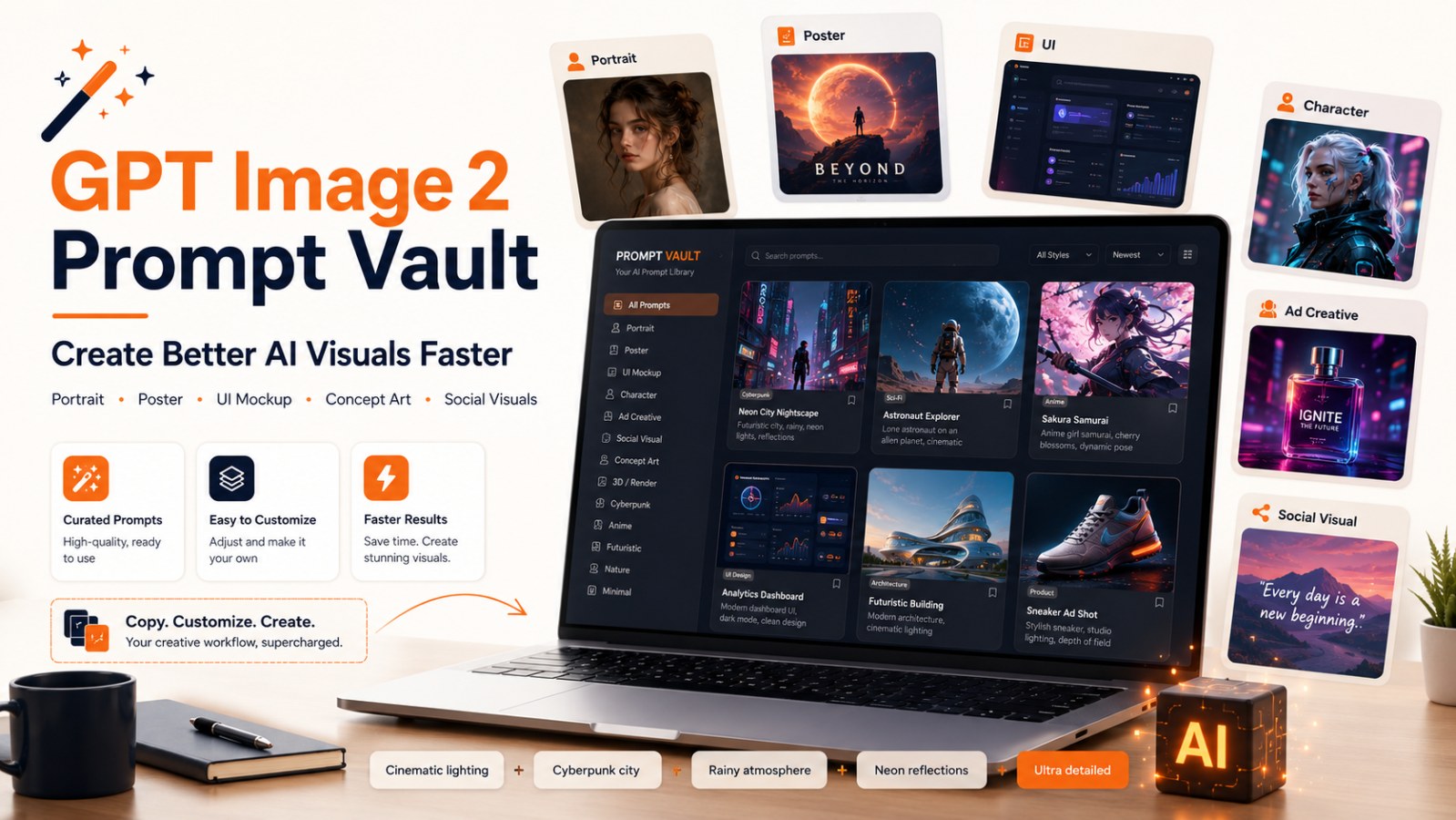
Best GPT Image 2 Prompt Repository for Better AI Visuals
Explore a public GitHub repository with hundreds of GPT Image 2 prompts for portraits, posters, concept art, UI mockups, ad creatives, social visuals and creative AI image workflows.
If you have ever opened an AI image generator, typed a simple prompt, and received something that looked “okay but not quite there,” the problem may not be the model.
The problem is often the prompt.
A strong image prompt does not simply say “create a beautiful poster.” It describes the concept, composition, lighting, material, camera angle, style, color palette, mood, typography, intended use and output format.
That is why the public GitHub repository Awesome GPT Image 2 API and Prompts by EvoLinkAI is worth saving.
The repository curates hundreds of GPT Image 2 prompts, API usage patterns and reusable visual workflows for AI image generation. Its README describes prompt categories such as portrait, poster, UI, e-commerce, ad creative, character design and comparison, and it also notes that each prompt case includes real output images.
In short, this is a useful reference library if you want better AI-generated visuals but do not yet know how to write strong prompts from scratch.
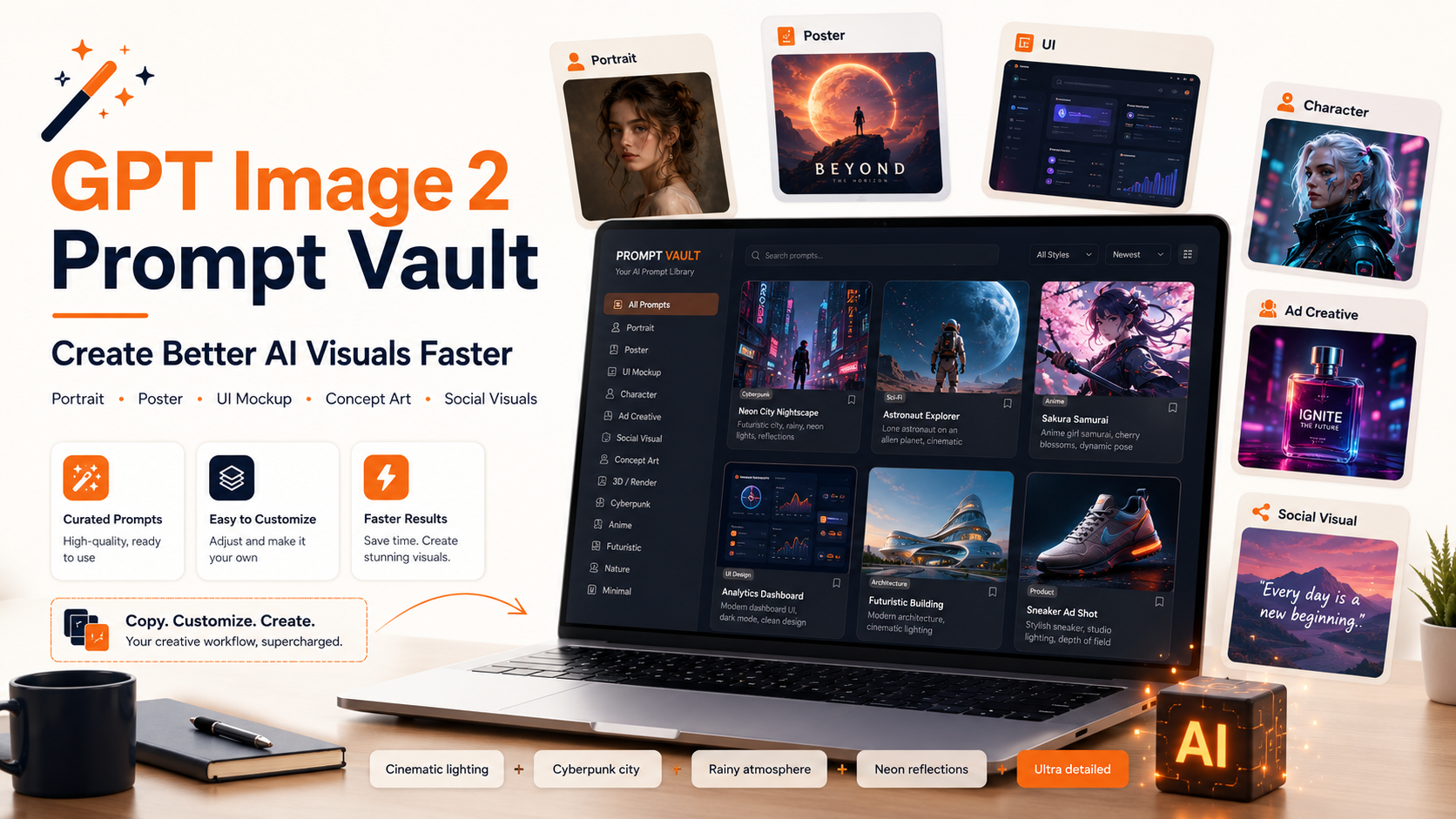
What Is GPT Image 2?
GPT Image 2 is OpenAI’s image generation and editing model. OpenAI describes GPT Image 2 as a state-of-the-art image generation model for fast, high-quality image generation and editing, with support for flexible image sizes and high-fidelity image inputs.
The OpenAI API lets users generate and edit images with GPT Image models, including gpt-image-2. Users can use the Image API for single-prompt generation or editing, or the Responses API for conversational and multi-step image workflows.
This matters for creators, marketers and designers because AI image generation is no longer just a fun experiment. It can become part of a real content production workflow:
- Blog covers
- Social posters
- UI mockups
- Concept art
- Character design
- Product ads
- Article illustrations
- Landing page visuals
OpenAI’s prompting guide also describes GPT image models as useful for production-quality visuals, iterative creative workflows, photorealism, text rendering, structured visuals, diagrams, multi-panel compositions and style control.
Why This Prompt Repository Is Worth Saving
Many people learn image prompting by trial and error:
Create a cinematic poster about AI.
The result may look nice, but it is hard to control. You may not know why the image worked, why it failed, or why the same idea produces inconsistent outputs later.
A strong prompt repository helps you learn faster because you can see:
- How prompts are structured
- How creators describe style
- Which visual details make the image stronger
- How composition is directed
- Which prompts work for posters, portraits, UI or social media
- How mood, lighting, format and visual hierarchy are combined
The EvoLinkAI repository organizes prompts into practical categories, including portrait, poster, UI, e-commerce, ad creative, character design and comparison. These are directly useful for content and design workflows.
Key Prompt Categories in the Repository
1. Portrait & Photography
This category is useful when you want to create:
- Character portraits
- Profile images
- Cinematic portraits
- Lifestyle photography
- Editorial-style images
- Film-inspired visuals
- Mood-driven character shots
For portrait prompts, important elements include:
- Camera angle
- Lighting
- Expression
- Wardrobe
- Background
- Image texture
- Lens style
- Overall mood
A good portrait prompt does not simply say “a beautiful portrait.” It tells the model what the viewer should feel.
2. Poster & Illustration
This is one of the most useful categories for creators and marketers.
You can learn how to prompt for:
- Movie posters
- Tech posters
- Advertising posters
- Event posters
- Editorial illustrations
- Blog covers
- Social media visuals
Poster prompts are especially helpful because they teach composition, typography, color direction and visual focus.
Instead of writing:
Create a poster about AI.
You can write something more controlled:
Create a cinematic technology poster about AI productivity, with bold typography, dramatic lighting, a central glowing AI interface, navy and orange color palette, premium editorial composition, high contrast, clean layout, suitable for a blog cover.
3. UI & Social Media Mockup
This category is especially relevant if you create blog graphics, tool pages or product visuals.
You can use these prompts to create:
- UI mockups
- Dashboards
- App screens
- Landing page visuals
- Social post graphics
- Reel covers
- Product previews
- Website hero sections
For UI mockups, your prompt should include:
- Layout
- Components
- Spacing
- Style system
- Color palette
- Device frame
- UI states
- Data visualization
- Mobile or desktop context
That makes the output feel closer to a real product rather than a generic illustration.
4. E-commerce Cases
This category is useful for sales, ads and landing pages.
You can generate:
- Product images
- Sales banners
- Product mockups
- Lifestyle product shots
- Campaign visuals
- Ad sets
A strong e-commerce prompt should clarify:
- What the product is
- Material
- Use case
- Lighting
- Camera angle
- Background
- Advertising goal
- Brand feeling
5. Ad Creative Cases
This category is useful for marketers and social media managers.
A strong ad creative prompt often needs:
- Visual hook
- Central product
- Main message
- Brand mood
- Color direction
- Platform format
- Text placement
- CTA or focal point
If you often create Facebook, Instagram, LinkedIn or blog thumbnails, this category is worth studying.
6. Character Design Cases
This category works well for:
- Game characters
- Brand mascots
- Cartoon characters
- Concept art
- Avatars
- Storytelling visuals
A strong character design prompt often includes:
- Character name
- Role
- Personality
- Outfit
- Main colors
- Props or items
- Expression sheet
- Turnaround pose
- World background
For logic games, kids’ content or brand mascots, this type of prompt can help you create more consistent visual identity.
7. Comparison & Community Examples
Comparison examples help you understand the difference between weak and strong prompts.
This is useful because it shows:
- How small prompt details affect output
- How clarity improves visual results
- How different styles change the feeling
- When to add constraints
- When to reduce unnecessary details
For beginners, this is often faster than learning by trial and error.
How to Use This Prompt Repository Effectively
Step 1: Do Not Copy Forever
Copying prompts is a good way to learn, but you should not stop there.
Use each prompt as a framework, then change:
- Topic
- Subject
- Scene
- Color palette
- Style
- Size
- Platform
- Visual goal
The best prompt is the one adapted to your real use case.
Step 2: Build Your Own Prompt Library
After testing prompts, save the ones that work well.
Organize your own library by category:
- Blog cover
- Facebook post
- Reel cover
- UI mockup
- Character
- Poster
- Product visual
- Infographic
- Thumbnail
- Landing page
For each prompt, add notes:
- What it is best used for
- Which style works well
- Which size works well
- What makes the result strong
- What should be edited before reuse
Step 3: Learn the Structure, Not Just the Words
A strong image prompt usually follows this structure:
[Main subject] + [scene] + [style] + [composition] + [lighting] + [color palette] + [important details] + [output format] + [what to avoid]
Example:
Create a premium editorial blog cover about AI image prompts. Show a modern creator workspace with a laptop, floating prompt cards, generated image previews, and a clean AI dashboard. Use a cream background, navy and orange accents, cinematic soft lighting, modern tech/business style, clear typography, 16:9 layout, no official logos.
Once you understand the structure, you can write your own prompts instead of depending entirely on any repository.
Step 4: Use Prompts as a Workflow
Do not think of image generation as a one-shot task.
Use a workflow:
- Generate the visual concept
- Choose the best style direction
- Create a 16:9 blog cover
- Create a 1:1 social post version
- Create a 9:16 Reel cover version
- Create Vietnamese and English versions
- Adjust typography, layout and CTA
That is how prompts become a content production system.
Who Should Save This Repository?
This repository is useful for:
- Content creators
- Bloggers
- Marketers
- Designers
- Developers testing GPT Image 2 API
- Founders creating product mockups
- Beginners learning AI image prompts
- Anyone stuck on visual ideas
If you regularly create images for blogs, Facebook, YouTube, landing pages or digital products, this is a useful resource to bookmark.
Important Notes When Using Public Prompts
Even if a prompt repository is public, you should still be careful:
- Do not copy protected brand styles too closely
- Do not create misleading visuals
- Check usage rights before using images commercially
- Do not create images that impersonate real people
- Adapt prompts to your own brand
- Check text in generated images before publishing
- Do not treat sample prompts as guaranteed formulas
Good prompts help you move faster, but visual thinking and communication goals still matter most.
OpenAI’s documentation also notes that prompts and generated images using GPT Image models are filtered according to content policy, so safety, rights and context still matter in production workflows.
Conclusion: A Useful Prompt Library for Anyone Stuck on AI Visuals
If you are stuck on image ideas or do not know how to prompt for better visuals, this GPT Image 2 prompt repository is worth saving.
The real value is not just the number of prompts.
The value is learning how real creators describe images, build styles, control composition and turn ideas into more professional outputs.
Do not just copy prompts.
Copy, customize, test, save the best versions and gradually build your own prompt library.
For creators, marketers, bloggers and developers, this can become a practical shortcut for improving AI-generated visuals.
CTA
Open the repository and choose one category that matches your current need: blog covers, posters, UI mockups, social visuals or character design. Copy one prompt, replace the topic with your own, adjust the color palette to match your brand and generate three variations. After a few tests, you will start to understand how professional AI image prompting works.
Reference repository:
FAQ 1: What is GPT Image 2?
GPT Image 2 is OpenAI’s image generation and editing model. It supports high-quality image generation, editing workflows, flexible image sizes and high-fidelity image inputs.
FAQ 2: What is the EvoLinkAI GPT Image 2 prompt repository?
It is a public GitHub repository that curates hundreds of GPT Image 2 prompts, API usage patterns and reusable visual workflows for AI image generation.
FAQ 3: Who should use GPT Image 2 prompts?
GPT Image 2 prompts are useful for content creators, designers, marketers, developers, bloggers, social media managers and anyone who wants to create better AI-generated visuals.
FAQ 4: Can I copy prompts from the repository directly?
Yes, you can use public prompts as a starting point, but it is better to customize them for your own topic, brand style, audience, format and intended use.
FAQ 5: What types of images can GPT Image 2 prompts help create?
They can help create portraits, posters, concept art, UI mockups, e-commerce visuals, ad creatives, character designs, social media graphics and comparison examples.
FAQ 6: How can I write better AI image prompts?
A strong image prompt should describe the subject, scene, style, composition, lighting, color palette, important details, output format and constraints.