
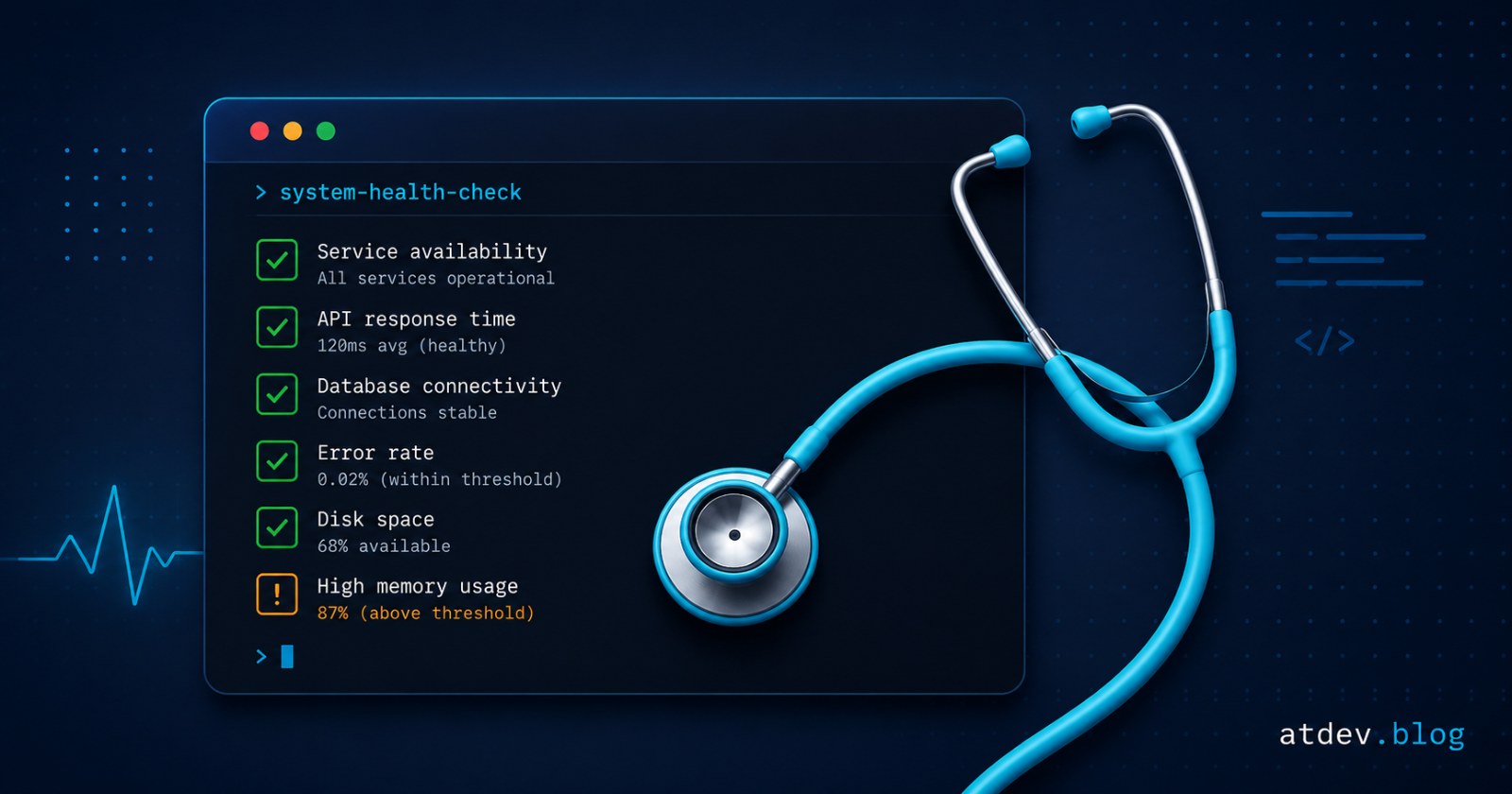
Laravel Doctor: health-check your app with one command
Laravel Doctor is a first-party package that checks environment, database, queue, storage and basic security with a single php artisan doctor. Setup, flags and limits.
Every release has a mental checklist, and everyone's version is different: one person remembers APP_DEBUG, another remembers the queue worker, someone else remembers whether storage is writable. Laravel Doctor, a first-party package released in July 2026, folds all of that into one command.
Here is the short version: what it checks, where it earns its keep, and what it does not replace.
Install and run it in 30 seconds
composer require laravel/doctor --dev
Install it as a dev dependency — it is a diagnostic tool, not something your production runtime needs.
php artisan doctor
Each diagnostic runs exactly one check and reports a status: pass, notice, warn, fail, skip or error. Where a repair is safe and deterministic, Doctor can apply it for you.
What Laravel Doctor checks
The default diagnostics cover:
Environment —
.env,APP_KEY, PHP version, extensions, timezone.Composer — dependencies, autoload validation, lock file issues.
Configuration — config loading, config caching, bootstrap files.
Database — connection reachability, SQLite files, migrations.
Cache / queue / scheduler / session — driver reachability, Redis checks.
Storage — disk reachability, directory writability, symlinks.
Security — debug mode,
.envin.gitignore, dependency audits.
In other words, exactly the things that get forgotten when rebuilding an environment or moving to a new server.
Flags worth remembering
--fix— apply available fixes without prompting.--only=/--except=— run or skip diagnostics by class, group or package (comma-separated).--bail— stop at the first failure.--fail-on=warn— treat warnings as failures;--fail-on=neverreports only.--format=json|github|agent— JSON output, GitHub Actions annotations, or an agent-optimised JSON format.
To lock only/except selectors in for the whole team, publish the config: php artisan vendor:publish --tag=doctor-config.
Wiring it into CI/CD
Doctor exits 0 when everything is fine and non-zero on a fail or error, so it drops straight into a pipeline:
- name: Laravel health check
  run: php artisan doctor --format=github --fail-on=warn
--format=github turns results into annotations rendered inline in the GitHub Actions UI, while --fail-on=warn tightens the gate so warnings also break the build.
What it does not replace
This is a general check-up, not specialist diagnostics. Laravel Doctor does not replace:
Larastan / PHPStan — static analysis of your code.
composer audit— Doctor does include dependency audit checks, but a full security process still tracks CVEs on its own.Security scanners and your test suite — neither is in scope.
On versions: the package requires PHP 8.3+ and Laravel 12 or 13. If you are on Laravel 10 or 11, this is one more argument for the upgrade.
Wrapping up
Three places make it worth adding: right after cloning a project (onboarding stops eating a morning), inside CI, and before every release. The cost is close to zero, and the class of bug it catches is the kind that otherwise only shows up in production.
For more on the Laravel ecosystem, read Laravel Paper: use Markdown and JSON files as Eloquent models. And if the database side is where things usually hurt, try the SQL → ERD tool to see your schema as a diagram.