
Uninstalling an Odoo Module: The Hidden Data Loss Risk Many Developers Underestimate
Uninstalling an Odoo module may remove more than code. It can also drop database fields and permanently erase accumulated business data. Learn the real risk and how to prevent it.
In Odoo operations, some actions look so simple that people perform them almost automatically. One of those actions is uninstalling a module.
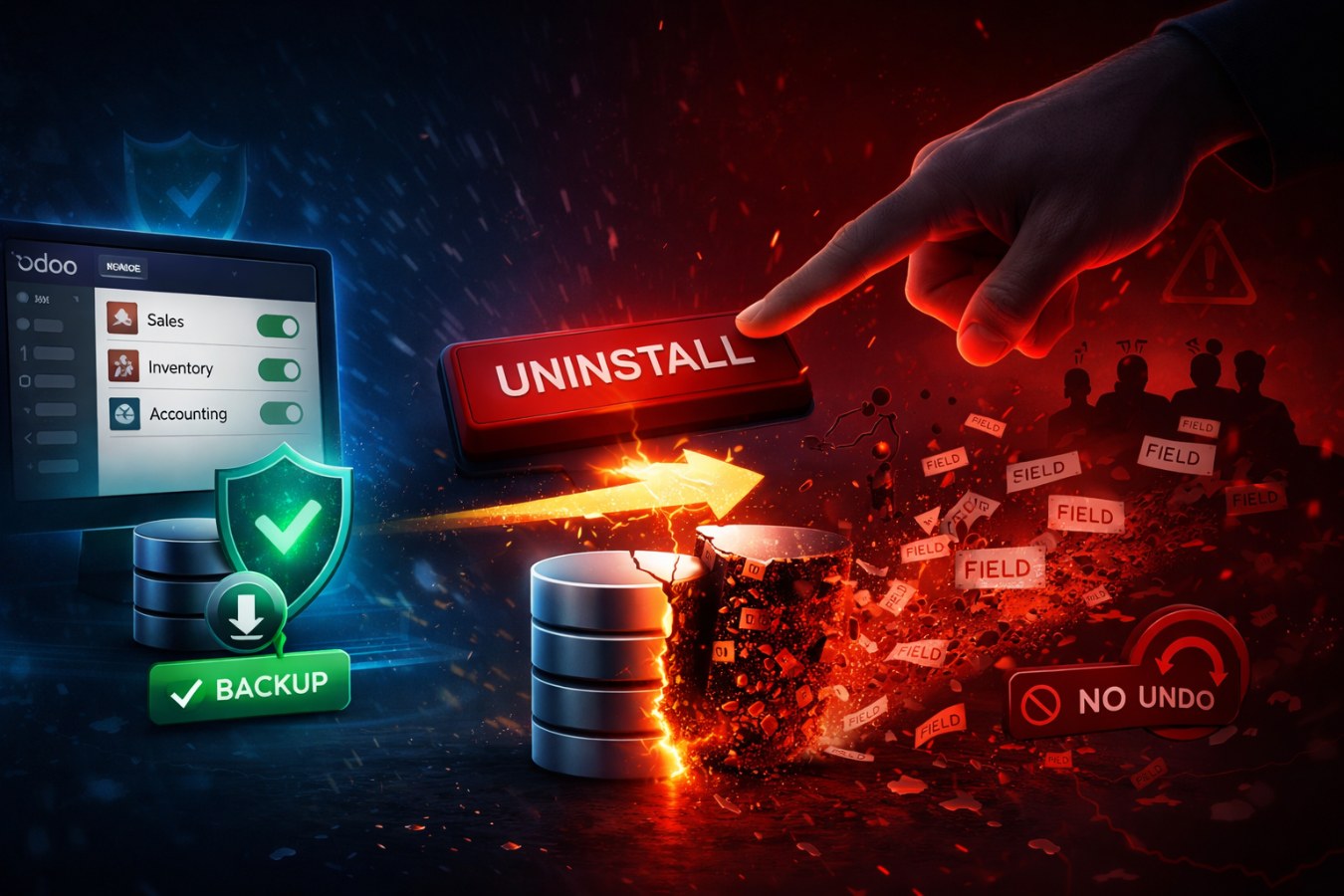
At first glance, it feels like nothing more than removing a feature you no longer need. But in reality, this action can lead to a very serious consequence: the loss of data accumulated over months or even years. And the most alarming part is this: when it happens, there is no Undo button.
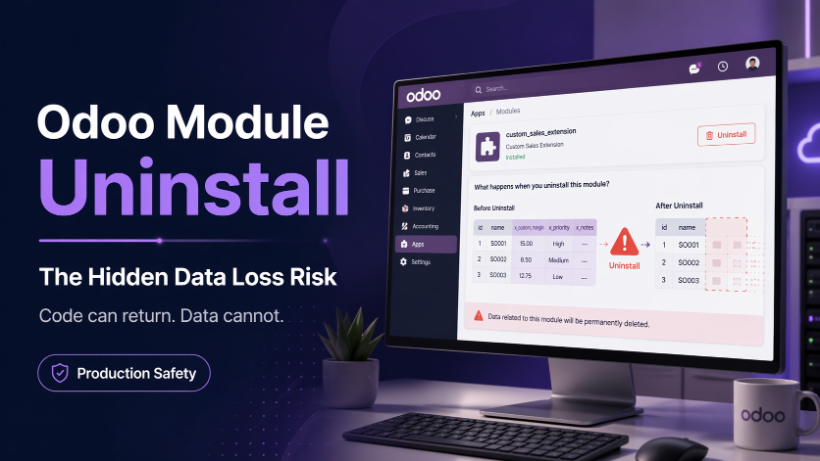
What really happens when you uninstall a module?
Many people assume uninstalling a module only removes its code from the system. In Odoo, that is not the full story.
When you uninstall a module, Odoo may not only remove the module logic, but also drop the database fields that the module added. In other words, the related columns can be removed from the database itself. Once those columns are dropped, the data stored inside them is not automatically recoverable.
This becomes especially dangerous when the module has added fields to critical business tables such as:
- sale.order
- account.move
- pos.order
- and other core business models
These tables may contain tens of thousands or even hundreds of thousands of records. If the custom fields introduced by a module are storing important operational data, uninstalling that module can make all of that data disappear.
You may reinstall the module later. But reinstalling a module does not bring the old data back. The structure may return, but the previous data is already gone.
The real problem is not the system — it is how we think and act
To be fair, Odoo is doing exactly what it was designed to do. The system is not randomly destroying data. It is following its uninstall logic.
The real issue is that, as operators and developers, we sometimes act too quickly without fully understanding the impact.
For example:
- “We are not using this module anymore, let’s uninstall it to keep things clean.”
- “There is an issue, let’s remove it and install it again.”
- “The test result is not good, just uninstall it directly on production.”
On the surface, all of these decisions may sound reasonable. But underneath them lies a very real risk: removing data that the business has built up over a long period of time.
And when people finally notice the damage, it is often already too late.
The mindset of a professional developer
Many people think a strong developer is someone who codes quickly, knows many tricks, or fixes bugs fast. That matters, but it is not the whole picture.
The real difference between a good developer and an exceptional one often lies in carefulness and discipline.
Sometimes the most important skill is not speed, but the ability to pause and ask the right questions before taking action:
- What fields does this module add?
- Which tables are affected?
- Is the data inside those fields still being used in operations, reports, reconciliation, or integrations?
- Are there other modules depending on it?
- Do I really need to uninstall it, or is it enough to disable a feature, hide a menu, or stop a workflow?
These are simple questions, but they can prevent very costly mistakes.
Prevention is better than recovery
In a production environment, every action should be treated with a higher level of responsibility. A seemingly small decision can affect business data, financial reports, sales orders, warehouse operations, payment reconciliation, and customer experience.
That is why, before uninstalling any Odoo module, you should always follow these principles.
1. Always back up the database
No exceptions. If you act first and back up later, you are relying on luck. That is never a safe strategy in production.
2. Test on staging first
Clone the production database into a staging environment, uninstall the module there, inspect the impact, review the data, and only then decide whether it is safe to proceed in production.
3. If you are not sure, stop and ask
Pause. Ask your teammates. Check dependencies. Review the code. Confirm with the person who understands that module best. Spending a few extra minutes to verify is always better than spending days dealing with damage.
Why does caution matter so much?
Because data is not the same as code.
Code can be rewritten. Business logic can be redeployed. But lost business data is not always recoverable. Some of that data represents months or years of real operations: orders, transaction history, computed values, processing results, reconciliation states, and reporting inputs. When that data disappears, what is lost is not just information, but also time, effort, and trust.
No one is underestimated for being careful. But a single mistake in production can affect:
- the entire system
- the technical team
- the operations team
- and most importantly, the customer
Being careful is not being slow.
Being careful is being professional.
Final thoughts
Uninstalling a module in Odoo has never been a harmless action. Behind one simple click may be the removal of data that has been accumulated through months or years of business operations.
So before uninstalling any module, remember to:
- understand exactly what that module does
- understand what it added to the database
- back up before acting
- test before touching production
- and if you are unsure, stop and verify first
Because in the end, one truth always remains:
Code can be rewritten. Data cannot.