
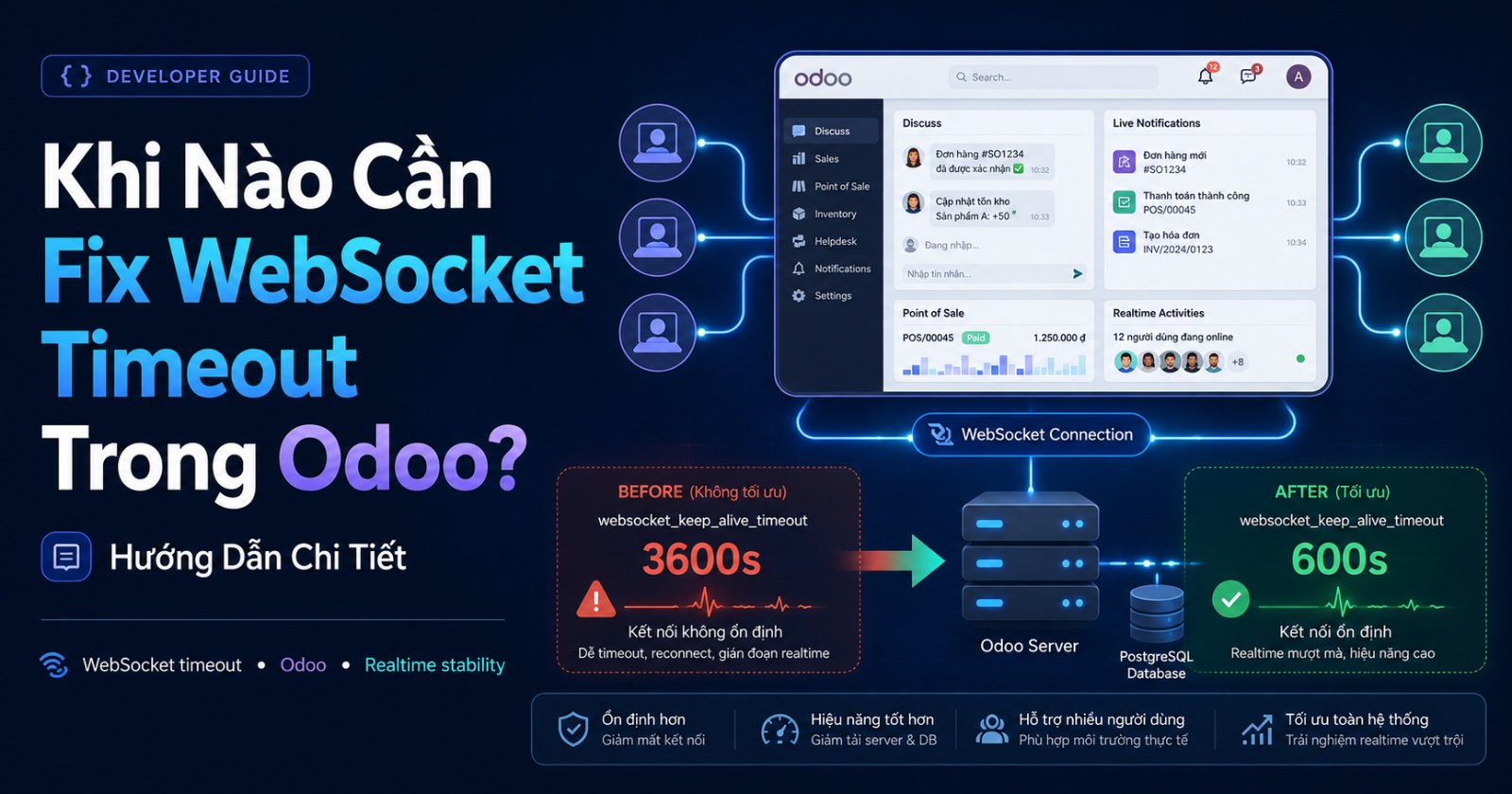
When to Fix WebSocket Timeout in Odoo: Detailed Guide
Detailed guide to WebSocket timeouts in Odoo: When to fix them, identifying signs, and how to optimize for systems with many concurrent users.
When to Fix WebSocket Timeout in Odoo: A Detailed Guide
When working with Odoo systems, WebSocket timeouts can cause significant problems, especially when many users are connected simultaneously or when using real-time features such as chat, notifications, and POS. This article will explore WebSocket timeouts, when to fix them, and effective optimization methods for Odoo projects.
What is WebSocket Timeout?
WebSockets are network protocols that allow for a continuous connection between the client and server, making real-time data transmission easy and fast. In Odoo, the default value for websocket_keep_alive_timeout is 3600 seconds (60 minutes). This can lead to too many users connecting simultaneously, causing system errors such as connection loss, database errors, and a reduced user experience.
When Do You Need to Fix WebSocket Timeouts?
✅ Project Needs Fix (Priority High)
Here are some signs that your project needs a WebSocket timeout fix:
1. Many users online simultaneously (20+ users):
- Large company, large number of users
- Many users are working the same shift, during peak hours (8-9 AM)
- Errors occur with 50-100+ simultaneous connections
2. High database update errors:
- Error "could not serialize access due to concurrent update"
- 10-30 errors per day, especially during peak hours
3. Users report unstable connections:
- Message "Connection lost, attempting to reconnect..."
- Slow or missed notifications and messages
4. Low server resources:
- Only 1-2 CPU cores, 2-4GB RAM
- Hosted on Shared hosting or small VPS
5. Utilize multiple real-time features:
- Odoo Chat, Notifications, POS, Real-time Updates
Example: A project for a company with 50-100 employees, using POS, Chat, CRM, and Sales. The server has 2 CPUs and 4GB RAM with approximately 20-30 errors per day.
⚠️ Project Should Fix (Priority Medium)
Signs that you should fix WebSocket timeouts:
1. 10-20 concurrent users:
- A medium-sized company with scattered user logins.
2. Low to medium database errors:
- 5-10 errors per day, not yet causing major impacts but trending upwards.
3. Server resources are stable but not abundant:
- 2-4 CPU cores, 4-8GB RAM.
4. Planned user expansion:
- Currently few users, but plans for future expansion.
Example: A project for a company with 20-30 employees and a 2-CPU, 6GB RAM server. 5-10 errors per day and plans to hire more staff.
❌ Projects that DO NOT NEED Fixing (Priority Low/None)
For projects that do not require fixing WebSocket timeouts:
1. Few users (<10 users):
- Small companies or startups with few concurrent online users.
2. No database errors:
- Stable system, no "could not serialize" errors.
3. Scattered user logins:
- No mass login issues.
4. Infrequent use of real-time features:
- Only basic features like CRM and Sales are used.
5. Powerful server with ample resources:
- 4-8 CPU cores and 8-16GB RAM.
Example: A project for a small startup company with 5-10 people, a 4-CPU server and 8GB RAM, using basic CRM and Sales.
Comparison Before and After Fix
| Metric | Before Fix (3600s) | After Fix (600s) | Impact |
|---|---|---|---|
| Connection Lifetime | 60-90 minutes | 10-15 minutes | Reduced disconnections |
| Reconnect pattern | Synchronization | Spread | Reduced database conflicts |
| Database errors | 20-30/day | 0-5/day | 90% reduction in errors |
| User experience | Unstable | Stable, seamless | Better |
| Server load | Average | Average+ | Slightly increased |
Advantages and Disadvantages of the Solution
✅ Advantages
- Reduced database errors: Errors decreased from 20-30 to only 0-5 per day
- Stable user experience: No more "Connection lost" messages, messages and notifications synchronize well More
- Easy to deploy and restore: Just change one line of configuration and restart the container
- Production-ready: Recommended by the Odoo community, tested on multiple production environments
❌ Disadvantages
- Increased reconnect frequency (~6 times): Increased from 1 reconnect/hour to 6 reconnects/hour
- Increased network overhead: Each reconnect costs about 1-2KB, potentially creating some minor overhead
- Small reconnect delay: Users may see "reconnecting..." for a few seconds, a very small but noticeable impact
- Slightly increased server load: CPU load increases by about 5-10%, negligible on servers with more than 2 CPU cores
Conclusion
Reducing the websocket_keep_alive_timeout value to 600 seconds will significantly reduce database synchronization errors, improve user experience, and stabilize the system. Despite some minor drawbacks regarding network overhead and increased reconnect frequency, this is an effective and easy-to-deploy solution for Odoo projects, especially those with many users and utilizing real-time features.
Recommendations
- Small projects (<10 users): Keep the default 3600s or no fix needed.
- Medium projects (10-20 users): Use 900s (15 minutes).
- Large projects (20-50 users): Use 600s (10 minutes), which is the "sweet spot".
- Very large projects (>50 users): 600s can also be used, or customized as needed.
The best solution is still to change the configuration websocket_keep_alive_timeout to 600, as it helps maintain system stability without consuming too much network resources.
How to Deploy
To apply this solution, simply add the following line to your Odoo configuration file:
[options] websocket_keep_alive_timeout = 600
Then restart the Odoo service:
# With Docker: docker-compose restart odoo
# With systemd: sudo systemctl restart odoo
Monitor the logs to ensure the configuration is successfully applied and the system is running smoothly.